 NextSupport
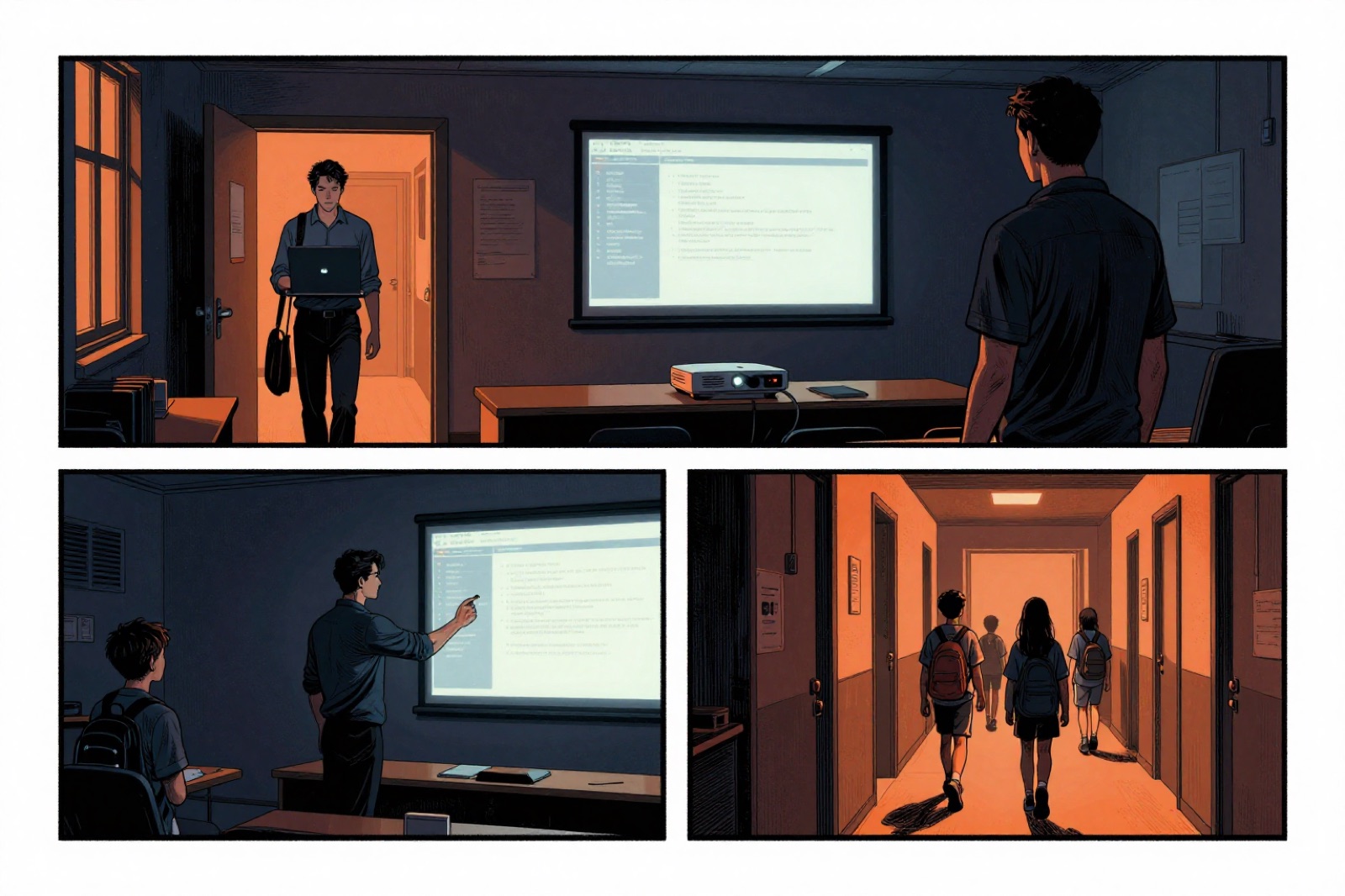
A primary school typically has dozens of computers, several printers, interactive whiteboards, Wi‑Fi for hundreds of devices, a server with data and nobody working on it full time. IT is usually kept running either by an enthusiastic computing teacher in the evenings or by an external company whose quality is hard to judge until something breaks. This article is for school management: what to expect from an IT administrator and how to tell you have a good one.
How a school differs from a business
A school is not a small business. It has several features that an ordinary corporate IT administrator cannot cope with or underestimates:
- A fixed rhythm. A computer that does not start at 8:00 ruins a lesson for thirty children. Work and updates must happen outside lessons, not "whenever it fits".
- Three kinds of users on one network. Teachers work with pupils' personal data, pupils experiment and guests just want internet. Each needs a different network and different permissions.
- Many devices, a small budget. Fifty workstations cannot be handled one by one by hand. Without central management, every update turns into a week of walking from classroom to classroom.
- Children's personal data. The school register, grades, reports from the counselling service. A leak is not only a disaster but also triggers a notification obligation under the GDPR.
- Grants and projects. Equipment is often bought through a project that does not think about running costs. Five-year-old tablets without updates are a security hole today.
Eight things a school IT administrator should be able to do
1. Keep track of every device
The first question for a new administrator: how many computers do you have and where are they? The right answer is a list with name, location, age and update status that refreshes itself, because a small agent runs on each computer and reports to a central system. If the administrator counts workstations by walking around the school, they do not have things under control.
2. Update outside lessons, automatically
Windows, browsers, educational software. Everything should be updated regularly, but never at 8:05. A good administrator has a window set (evenings and weekends, for example), updates run by themselves and in the morning they just check that everything has started. Teachers should not notice a thing.
3. Separate the networks
At least three separate Wi‑Fi and wired networks: teachers and management (access to the server and the school register), pupils (internet only, with content filtering), guests and personal devices (internet only, nothing from the school). Printers and cameras deserve a fourth, so they cannot be reached from the pupil network. If your school today has one Wi‑Fi network with one password written up in the staff room, that is the first thing to fix.

4. Back up and be able to restore
The server with shared folders, the school register, photos from events, teachers' lesson plans. Backups must run daily, with one copy outside the building and regularly tested restores. Asked "when did you last restore from a backup?", the administrator should answer with a date, not with reassurance.
5. Printing without drama
School printers and copiers cause more calls than anything else. A central print server, standard drivers and toner level monitoring save hours. A good administrator knows the ground-floor copier is running out of toner before the phone rings.
6. Remote support within minutes
Most problems (no sound, the projector shows nothing, login does not work) can be solved remotely within ten minutes if secure remote access is set up on the computers. A site visit should be the exception for hardware, not the standard for every click. Ask how quickly the administrator connects and how the access is secured.
7. Monitor, not wait for a call
The server, backups, internet, Wi‑Fi access points, certificates. All of it can be monitored automatically, and the administrator should know about an outage before the school does. If they only learn about problems from your phone calls, you are paying a firefighter, not an administrator.
8. Speak plainly and put it in writing
After every larger job the head should get a short report: what happened, what was done, what we recommend. No jargon. Likewise, once a year an overview: the age of the equipment, what needs replacing next year and how much it will cost. With that you can plan the budget and negotiate with the school's founder (usually the municipality).
What to ask when choosing
- How many schools do you already manage, and can we call their management?
- How will you find out that our backup failed during the night?
- When do you run updates, and what happens if a computer does not start in the morning?
- How much time passes between our report and the first response?
- What access do you have to our data, and where is that written down?
- What do we get in writing after a job?
- What is included in the flat fee and what is charged separately?
A company that answers these questions specifically is usually fine. A company that answers "of course we do all of that", with no numbers and no demonstration, usually is not.
What is worth doing now, even without a new administrator
Three things that can be done within a month and significantly reduce risk:
- Separate the pupil and teacher networks. One settings change on the Wi‑Fi, a huge difference.
- Turn on two-factor authentication for school email and the school register. Most leaks start with a stolen password.
- Try a restore from backup. If it does not work, you know where to start.
How we do it
At the primary schools and kindergartens we manage, our agent runs on every computer, reporting its status and enabling secure remote support. Updates run outside lessons, the networks for teachers, pupils and guests are separated, backups are monitored automatically, and for one of the schools we have also built a system for corridor screens, where management uploads announcements and photos from a simple admin interface. After every job the head receives a report in plain Czech.
If you want to know what state your school's IT is in, book a no-obligation consultation. We will come over, go through the equipment and network, and give you in writing what holds up, what is urgent and what can wait.